Unified Communication

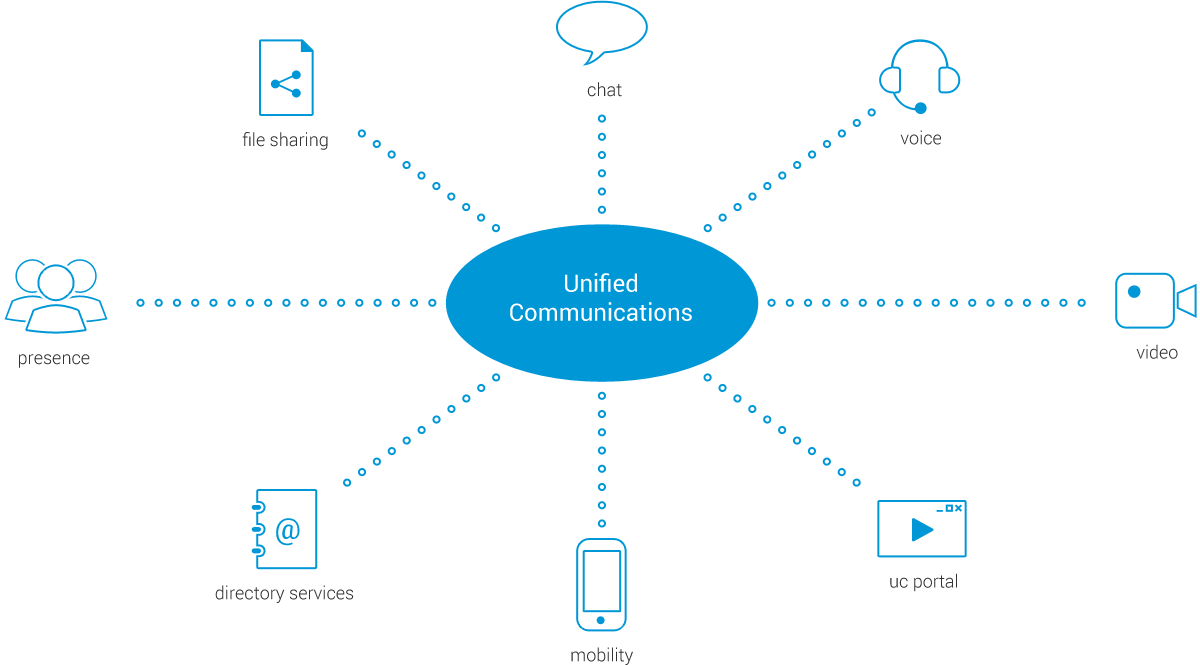
Voipswitch’s Unified Communication enables providers to offer a cloud business communication solution for enterprise customers. Unified Communication (UC) combines PBX services with collaboration features such as presence, video, conferencing and messaging into a single solution. UC blends previously separate services and features, making communication possible by various means and via multiple devices.

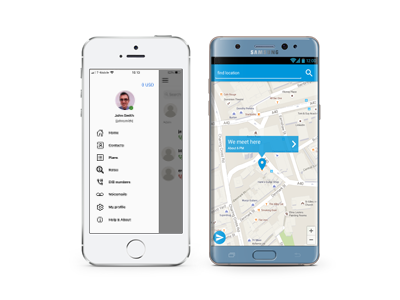
Smartphones

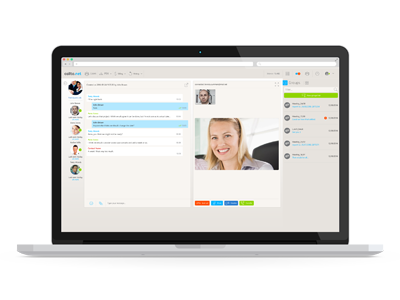
Web browser

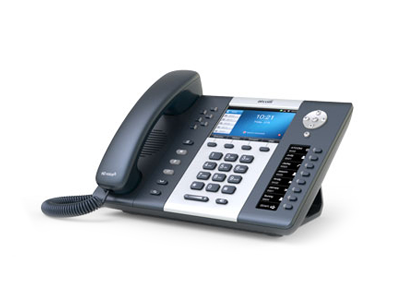
VoIP devices

iOS

Android

Web RTC

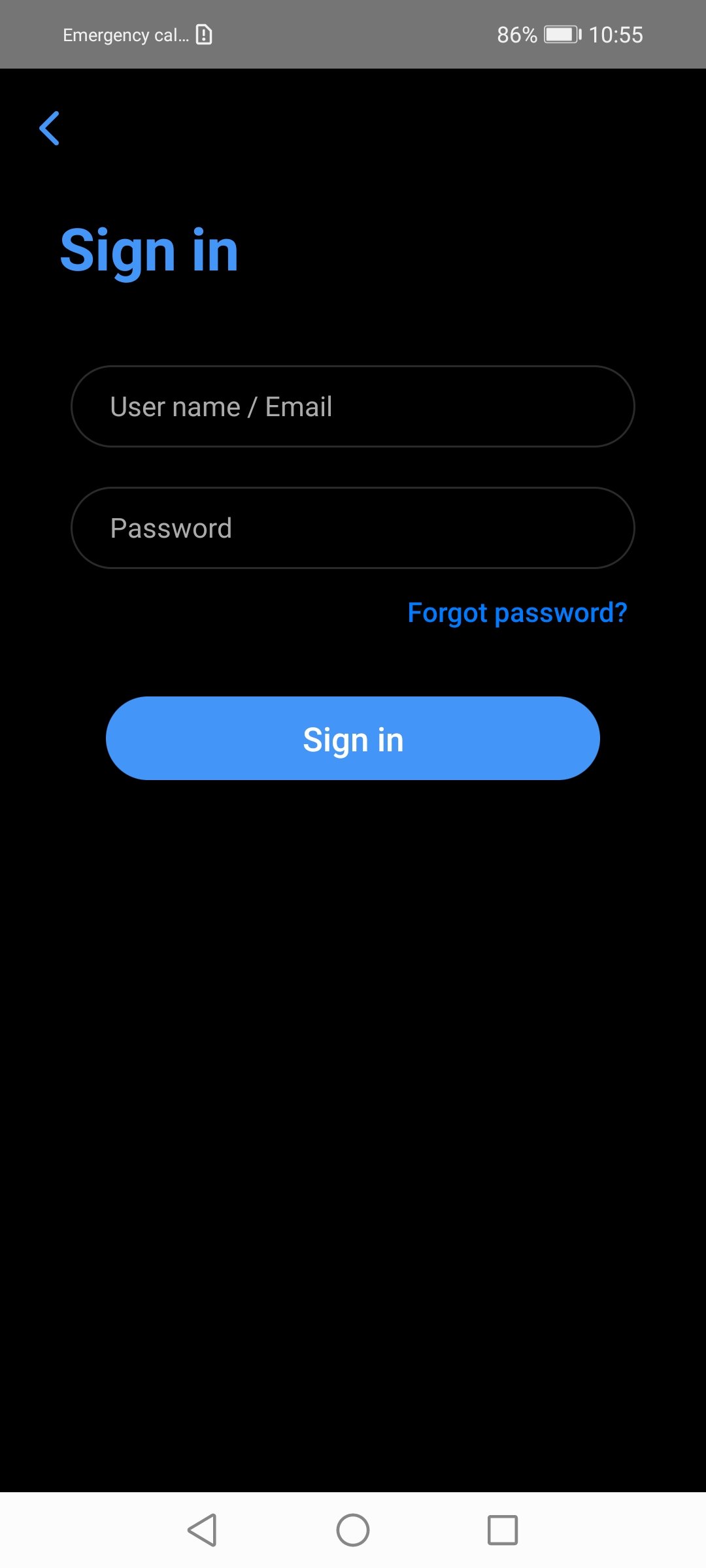
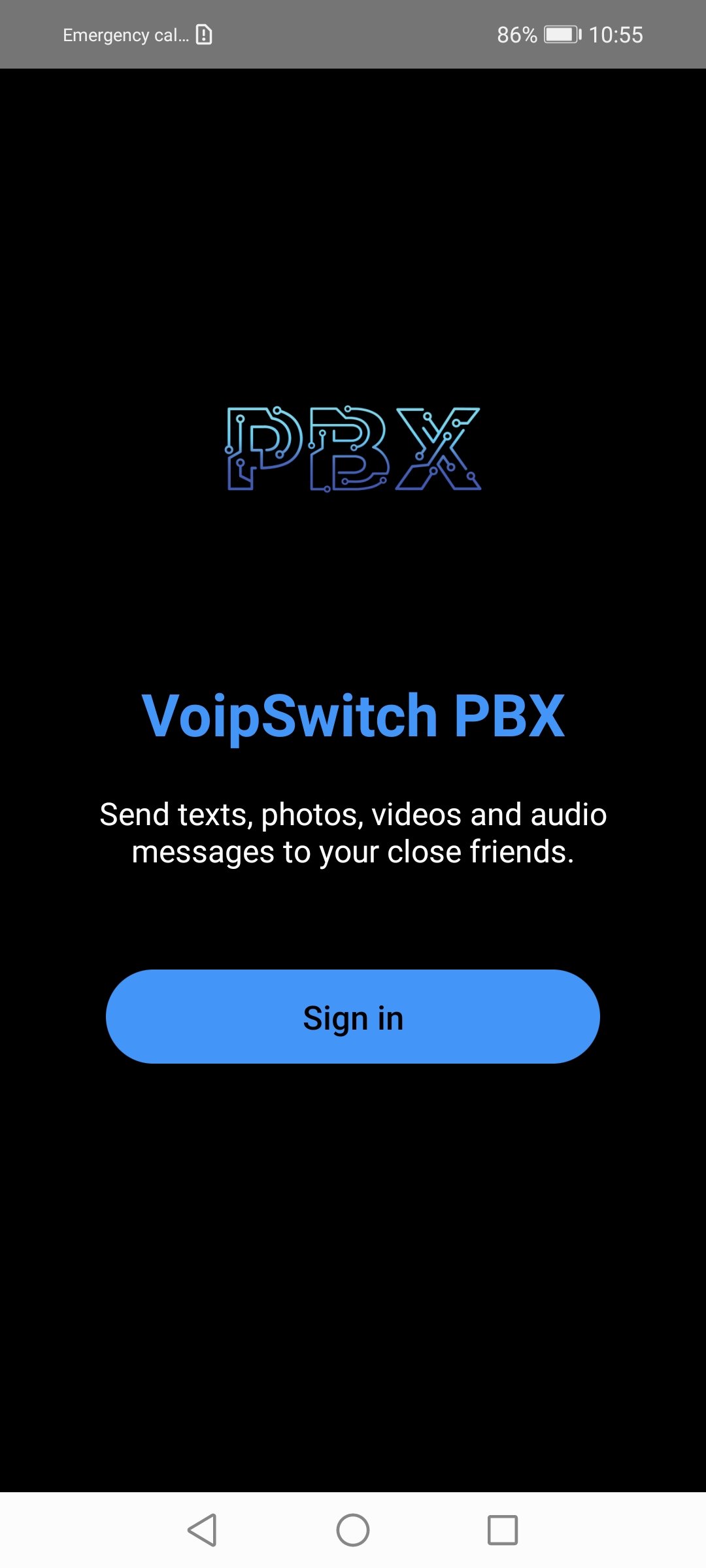
Sign in

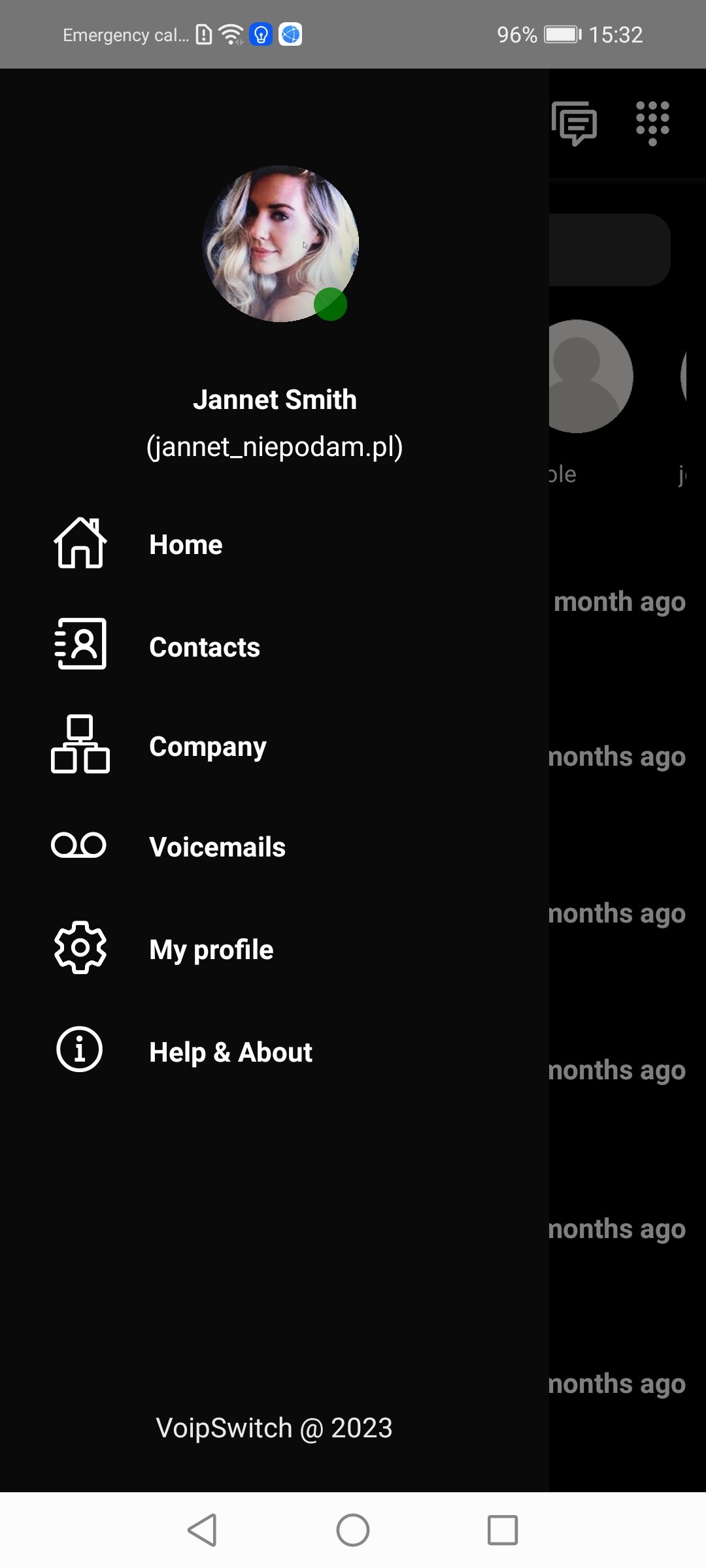
Main menu

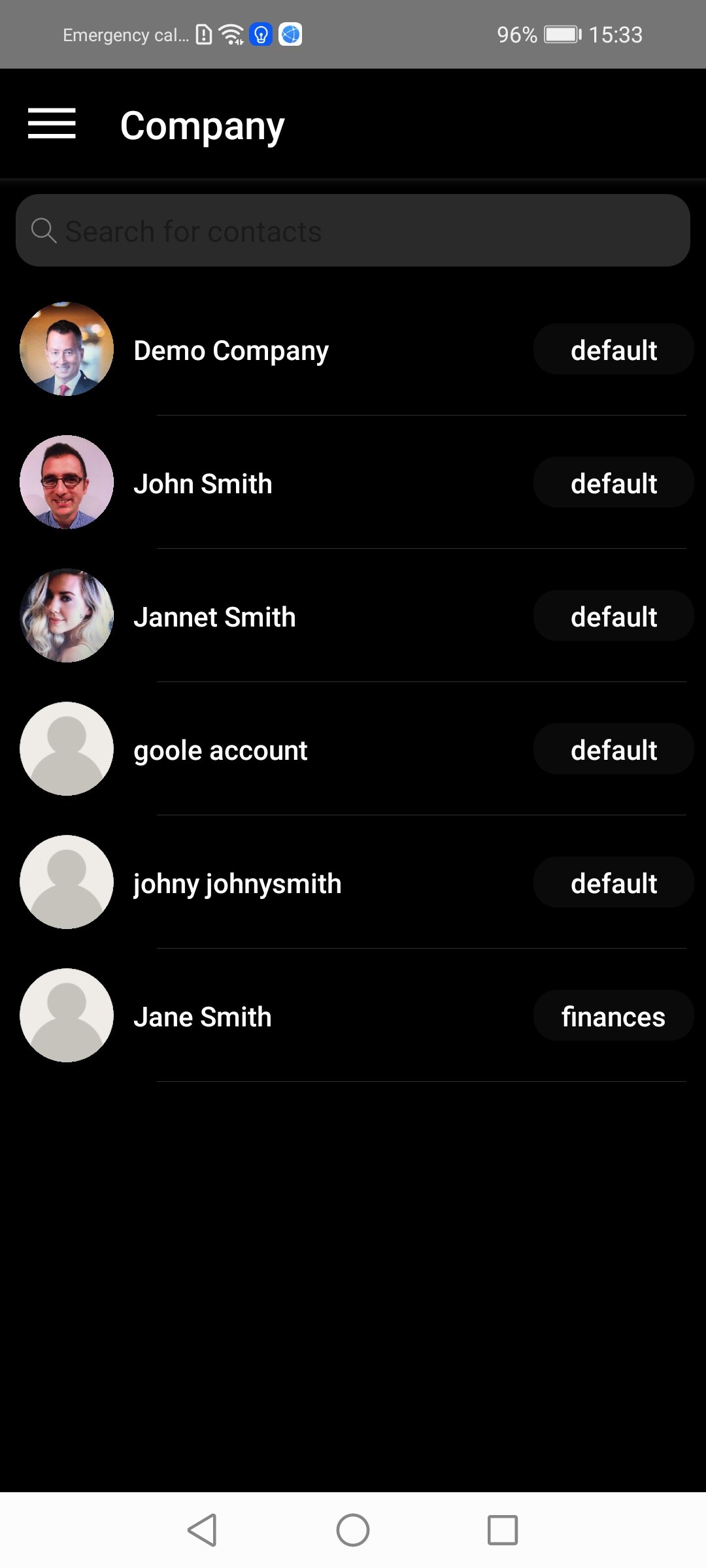
Company structure

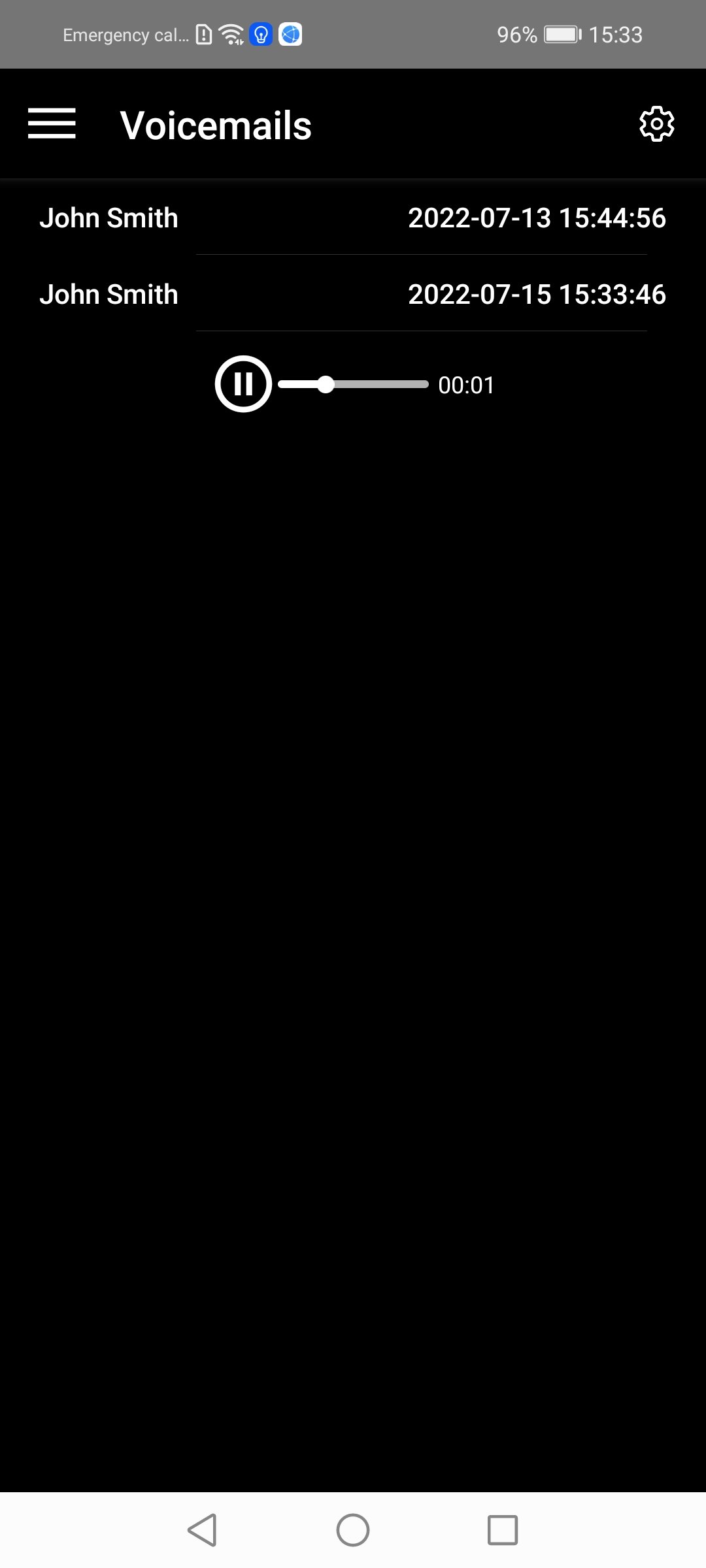
Voicemails

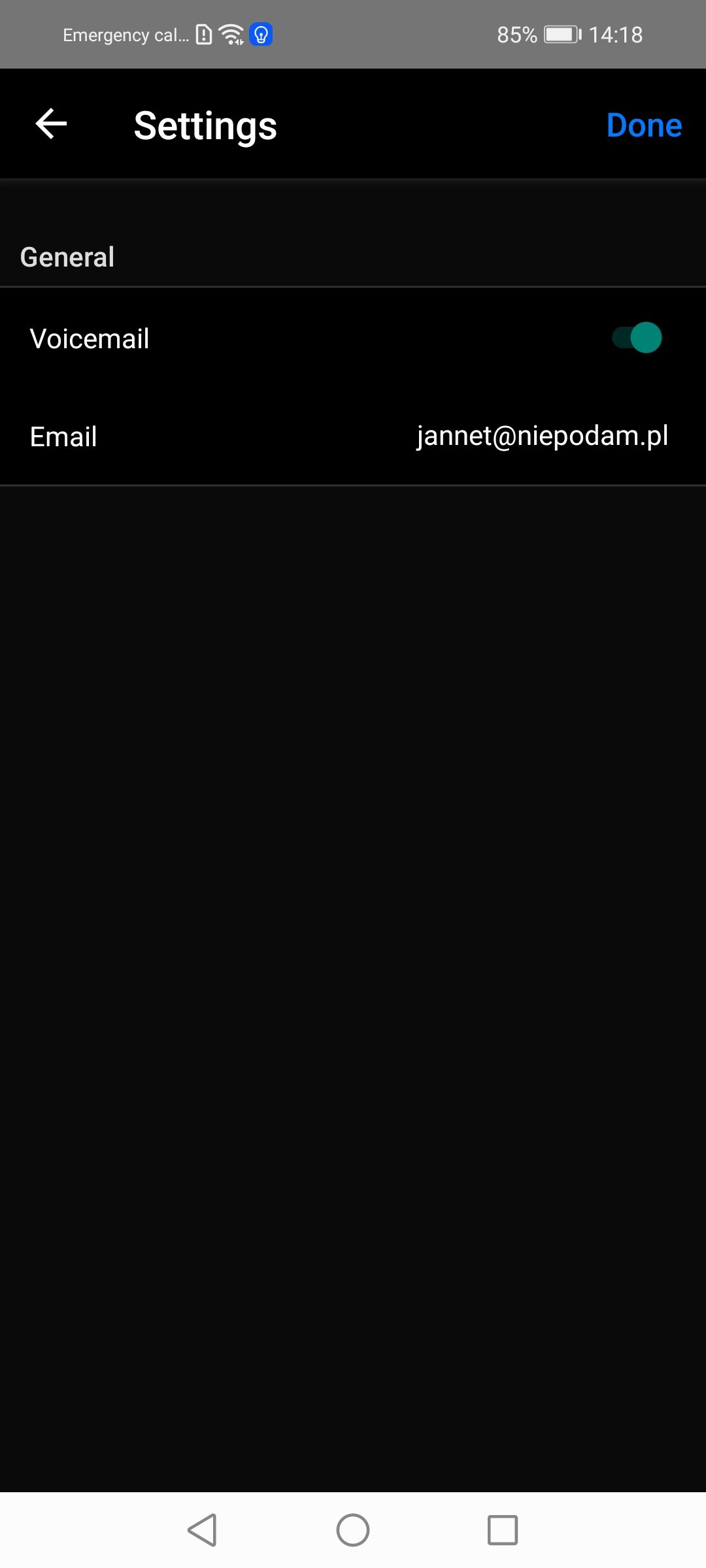
Voicemail Settings

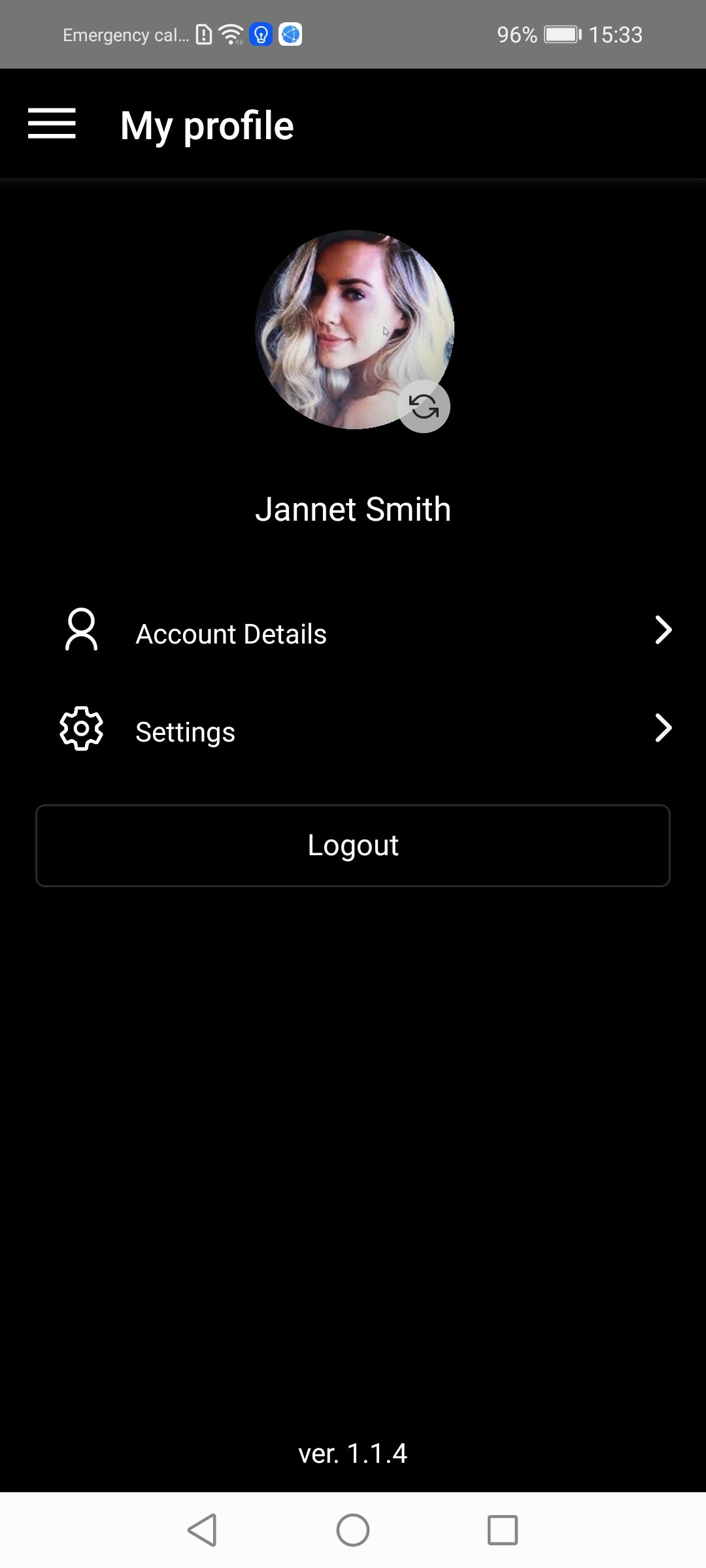
My Profile

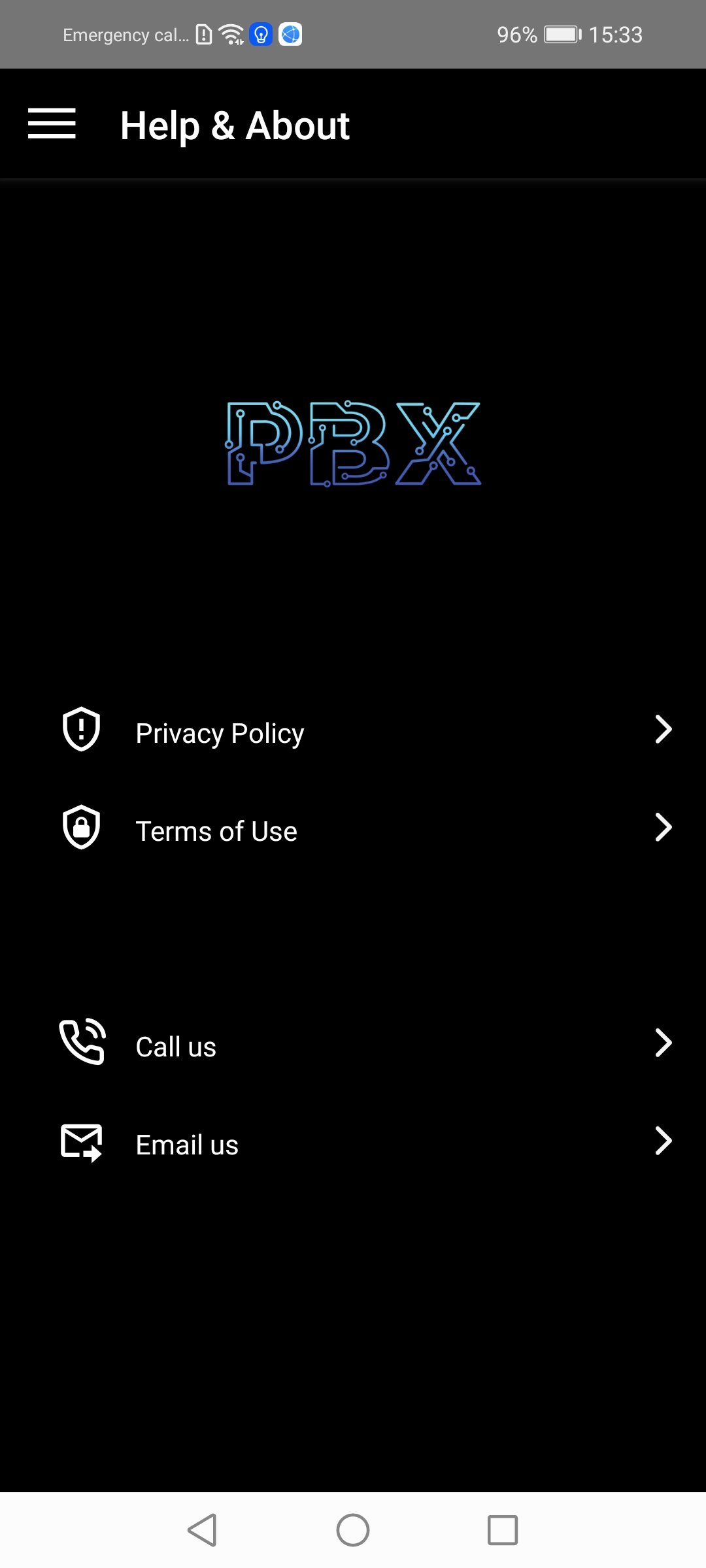
Help & About

Voicemail


Individual voicemail boxes
Group voicemail boxes
Voicemail to e-mail (MP3 file)
Voicemail notification through IM or Message Waiting Indicator
Personalized greetings per Caller ID

Mobility

Mobile clients for Android and iOS
Sip devices provisioning via SMS or log in with email and password
RCS features – IM, file sharing, presence
HD audio and video calling

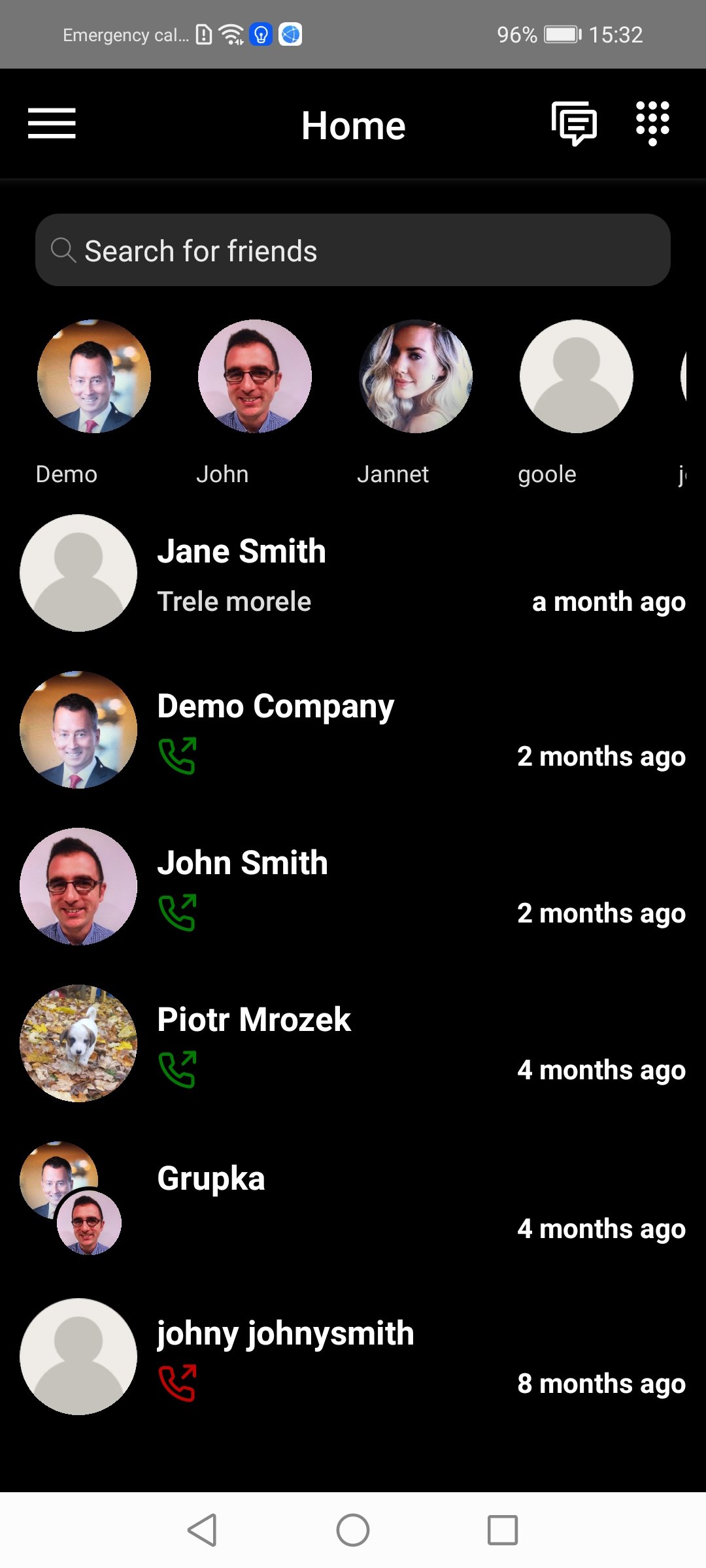
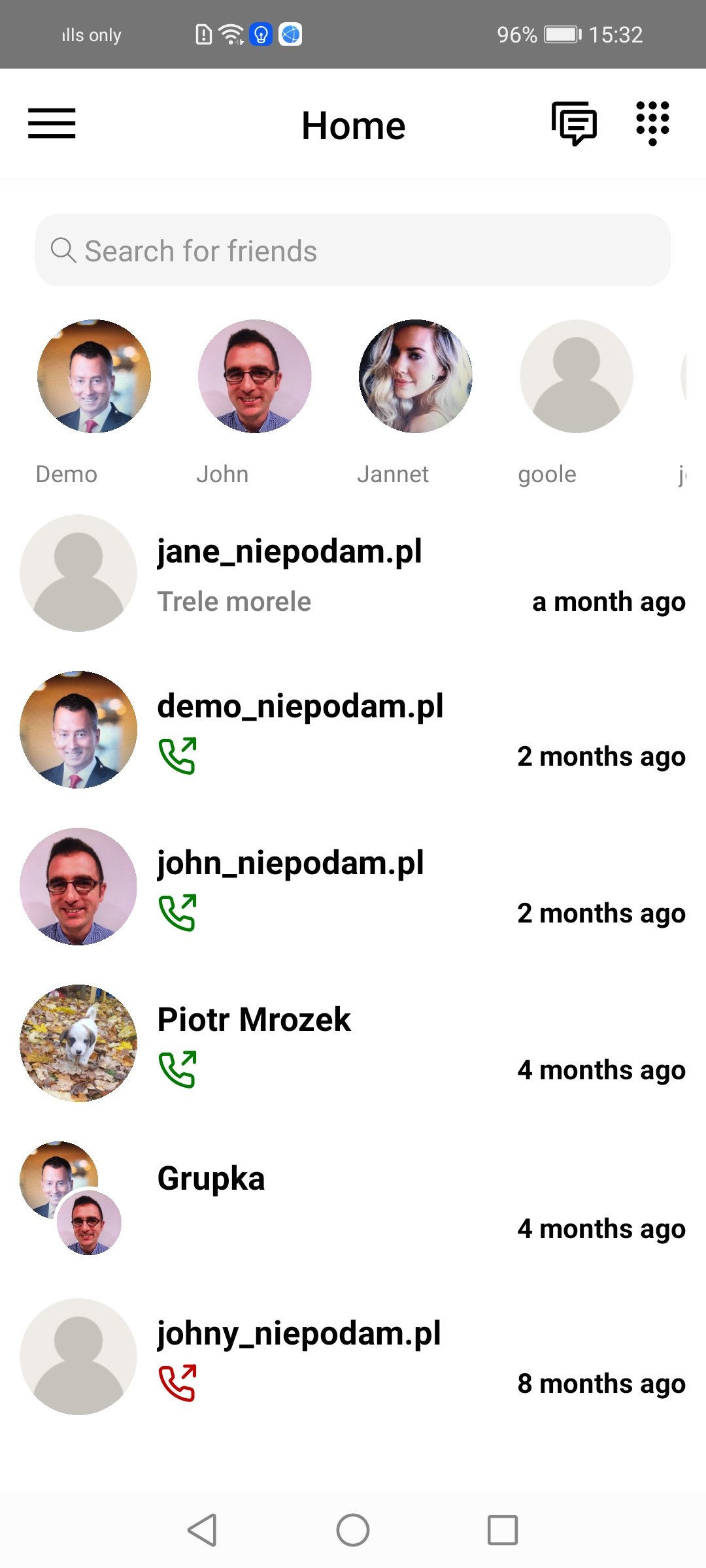
Home dark mode

Home white mode

Home dark mode

Home white mode

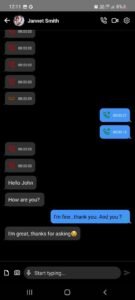
Chats

Encryption

All user-to-user communications, using the mobile apps or the portal, are fully encrypted, that includes chat, audio and video calls
PUSH
PUSH support for mobile clients and User Portal – receiving calls and IM even if the browser or the app is closed
Quality
High quality audio & video calls

Shared Network Address Book

Company Directory
Shared Address Book stored in the cloud
Private address book (not visible to others) accessible from mobile clients and the User Portal
Presence and Instant Messaging
Availability – online, last seen, busy
Presence status text
Instant messaging with delivery and display confirmation
Typing notification
Multimedia file sharing
Geo-location sharing
Documents sharing – pdf, docs etc.

Main Features

Multitenant architecture

One platform can be home for many enterprise accounts, each with their own accounts and extensions
User accounts based on email addresses
Support for multi-level branches/departments
Multiple extensions per user account (different purpose numbers)

Group collaboration

Unlimited number of participants
Multiple admins support
Sharing documents and media files
Delivery and display confirmation
Group avatar
Inviting people from outside of the company via email
Audio conferencing
Access for non-users by clicking a link directly through web
Access to the group’s audio conference through an access number (DID) from a regular phone (secured by a PIN)

Web Portal

Company account management for admin user
RCS features – IM, file sharing, presence
HD audio and video calling directly from browser
WebRTC support – no need to download any plugin

Auto attendants

Multilevel Interactive-Voice-Response (IVR) scenarios – one scenario can lead to another
Scenarios can be assigned to DID numbers or extensions
Menu numbers can be mapped to different PBX objects, such as users, extensions, hunt groups, scenarios, group voicemail etc.
Record greetings directly from the web


Essential telephony/PBX features

Scheduled routing with time spans
Ring Groups
Find me, follow me
Conditional Call Forwarding per CallerID, with personalized greetings per forwarding rule
Call Transfer – blind and attended
Music on hold
Call parking
Do Not Disturb, also per Caller ID
CallerID – can be set to show a user’s mobile number or DID, or one of the company’s DIDs

Click to call

Click to call URLs managed from Dialing plan, with support for timespans
A URL can point to a user or to a hunt group
The option for users to create their own URL from My profile
Provisioning for SIP devices
Support for audio, video and IM with file sharing

Other options

Greetings management
DIDs integration with API of major DID providers allowing for real time DID ordering
Provisioning for SIP devices
Fax sending from the Portal, received via email or via Portal
PUSH support for mobile clients and User Portal – receiving calls and IM even if the browser or the app is closed

Calls monitoring

Admin user can monitor all ongoing offnet calls
Admin can enable call recording per user; only offnet calls will be recorded, internal communication is encrypted
Admin can listen to the previously recorded calls as well as ongoing calls via the User Portal

FREE DEMO SESSION

Please add information that might help us answer the question the best way possible.

Get in Touch with
Us Anytime!

Contact Us!

Smart Bots Built for Real Impact

Lorem ipsum dolor sit amet, consectetur adipiscing elit. Ut elit tellus, luctus nec ullamcorper mattis, pulvinar dapibus leo.

Quick Links

Features

Pricing Plans

Use Cases

Integration

FAQs

Careers

About

About the Platform

How It Works

Our Mission

Trust & Security

Careers

Press Kit

Support

Help Center

Documentation

Setup Guide

System Status

Technical Assistance

Report an Issue

Legal

Privacy Policy

Terms of Service

Data Protection

AI Ethics

Compliance

Cookie Policy